

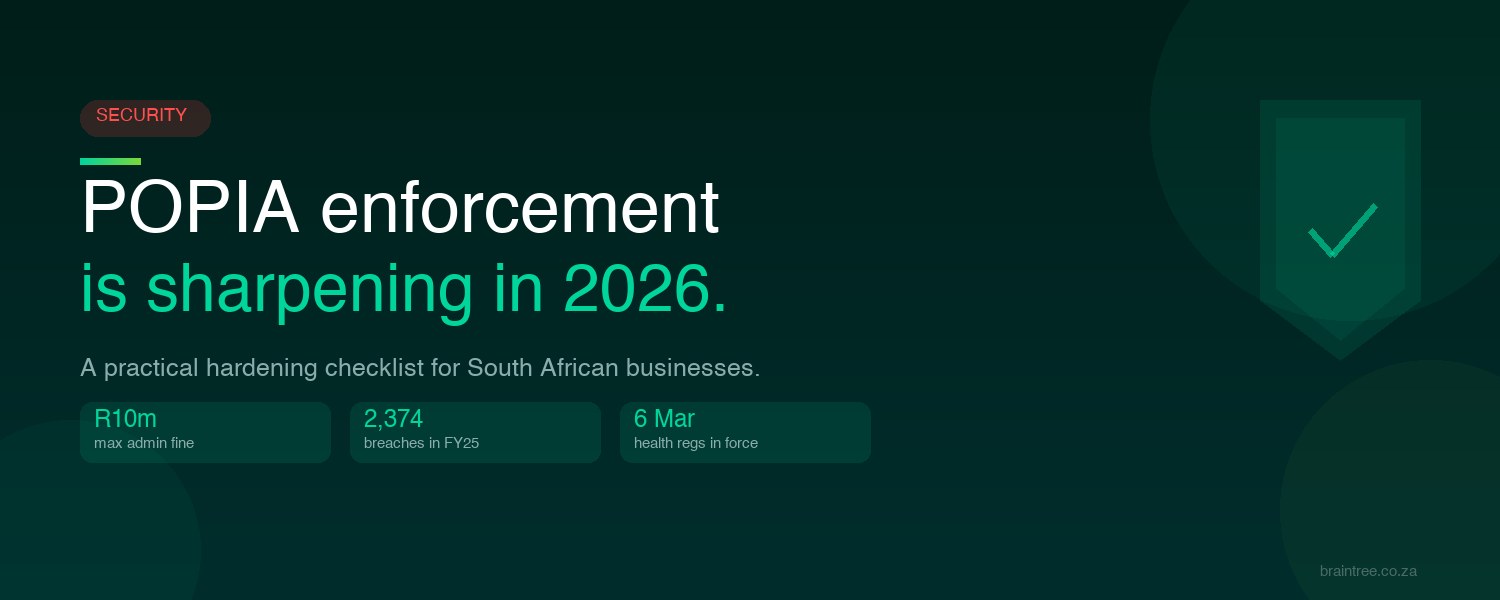
For years, POPIA felt like a law with teeth it rarely used. That has changed. Through 2026 the Information Regulator has shifted from waiting for complaints to going out and checking, and it has shown it will issue fines. If your business holds customer or staff information, and almost every business does, this is the year to make sure your house is in order.
Here is what changed, what the real risk is, and a practical checklist you can work through, much of it using tools you may already own.
What changed in 2026
In its plan for 2026 and 2027, presented to Parliament’s justice committee in May 2026, the Regulator set out a more proactive approach. Rather than only reacting to complaints, it is running its own compliance assessments, with particular attention on sectors that hold large volumes of personal information: financial services, insurance and health, retail, telecommunications, and the public sector. The expectation now is that you can demonstrate compliance with documents, controls and governance, not just assert it.
There was also a concrete new rule. New regulations on the processing of health information came into force on 6 March 2026, with no grace period. If you are an insurer, a medical scheme, an employer or a pension fund handling health data, the bar for protecting that data is now explicit.
The fines are real, and worth stating accurately
You may have seen that the Regulator issued its first five million Rand fine under POPIA. The detail is worth getting right, because it tells you what actually triggers enforcement.
The first such penalty was an administrative fine of five million Rand against the Department of Justice, in 2023. It followed a 2021 ransomware attack, and the root cause was mundane: the department had let its security software licences lapse. The Regulator first issued an enforcement notice telling the department to fix its security and prove it. When that did not happen, the fine followed, by way of an infringement notice rather than a court order. The department challenged it rather than simply paying, which is its right under the Act.
A second five million Rand fine followed in December 2024, against the Department of Basic Education, for publishing matric results without consent. Smaller penalties have also landed. A pathology business, for example, was fined for failing to report breaches.
The pattern is clear. The fines are not yet at European levels, but they are growing in number, and they tend to follow two things: a security failure, and then ignoring the Regulator. Breach notifications are climbing too, with more than two thousand reported in the 2024 to 2025 year, up about forty percent on the year before.
What it can cost
POPIA gives the Regulator two separate routes, and it helps to keep them apart.
The first is an administrative fine of up to ten million Rand, issued directly by the Regulator without going to court. This is the route used against the departments above.
The second is criminal. For serious offences, such as ignoring an enforcement notice, POPIA allows for a fine or imprisonment of up to ten years. That is a separate track from the administrative fine, and it can reach the responsible individuals, not only the organisation.
The reputational cost of a public breach often outlasts either.
The reassuring part
Most of the exposure that gets businesses into trouble is not exotic. It is the basics left undone: weak sign-in, personal data nobody is tracking, access that was never removed when someone left, and no plan for the day something goes wrong. The Department of Justice case is the textbook example, a lapsed security control and an attack that walked straight in.
The encouraging news is that if you run Microsoft 365, you very likely already own the tools to close most of these gaps. The work is in switching them on and configuring them properly. Here is the checklist we use.
A practical POPIA hardening checklist
- Turn on multi-factor authentication for everyone, with Conditional Access. A stolen password is the most common way in. Microsoft Entra multi-factor authentication stops the large majority of account takeovers, and Conditional Access lets you require it intelligently, for example only from an unmanaged device. This goes straight at POPIA’s requirement to guard against unauthorised access.
- Find where personal data lives, and label it. You cannot protect what you have not mapped. Microsoft Purview sensitivity labels let you classify personal information and apply protection that travels with the file, including encryption and access limits, even when it leaves your business.
- Review who has access, and remove what is stale. Old accounts and former staff with live logins are a standing risk. Microsoft Entra access reviews run recurring checks on who can reach what, so access stays on a need to know basis.
- Stop accidental leaks. Microsoft Purview Data Loss Prevention detects sensitive information and prevents it being shared by mistake, across email, Teams and devices. Most leaks are accidental, and this is the control that catches them.
- Defend the inbox. Phishing is how the serious breaches usually start. Microsoft Defender for Office 365 checks links at the moment they are clicked and opens attachments in a safe sandbox first, which is exactly the failure mode behind the Department of Justice attack.
- Measure your posture. Microsoft Secure Score gives you a single, tracked measure of your security configuration, with a prioritised list of fixes. It is also useful evidence that you are taking reasonable, ongoing measures, which is the language POPIA itself uses.
- Be ready to investigate and report. If a breach happens, POPIA requires you to notify the Regulator and the affected people as soon as reasonably possible. There is no fixed seventy two hour clock as there is in Europe, but since April 2025 the Regulator’s notification must be filed through its online portal, not by email. Microsoft Purview Audit keeps the activity logs you need to work out what was actually accessed.
- Keep data only as long as you need it. POPIA says you should not hold personal information longer than necessary, and the new health rules add specific disposal duties. Microsoft Purview retention policies can apply this automatically, keeping and then deleting content on a schedule.
Two items on this list are not technology, and they matter just as much. POPIA requires you to register your Information Officer with the Regulator, and to take up the role only once registered. And where another business processes personal data on your behalf, POPIA requires a written agreement holding them to the same security standard. Both are commonly missed.
One honest caveat. No product makes you “POPIA compliant” on its own. These tools help you meet POPIA’s security requirements, which the Act calls Condition 7, but compliance also needs policies, staff training, a breach response plan, and proper legal advice on your specific obligations. For that legal interpretation, work with your attorney.
How Braintree helps
We run a POPIA-focused security review against this checklist, using the Microsoft 365 and Microsoft Defender tools you already pay for. We show you where you stand, what to fix first, and what it costs, in plain language rather than a report nobody reads.
The Regulator has made its intent clear, and the fines are on the record. The sensible response is not panic. It is a steady review before a problem forces one. Book a POPIA-focused security review with Braintree, and we will start with the gaps that matter most.
Compliance is cheaper than a breach, and far cheaper than a fine. Talk to our security team.
Specialists in Business Applications, Modern Workplace and Azure. Let’s grow.