

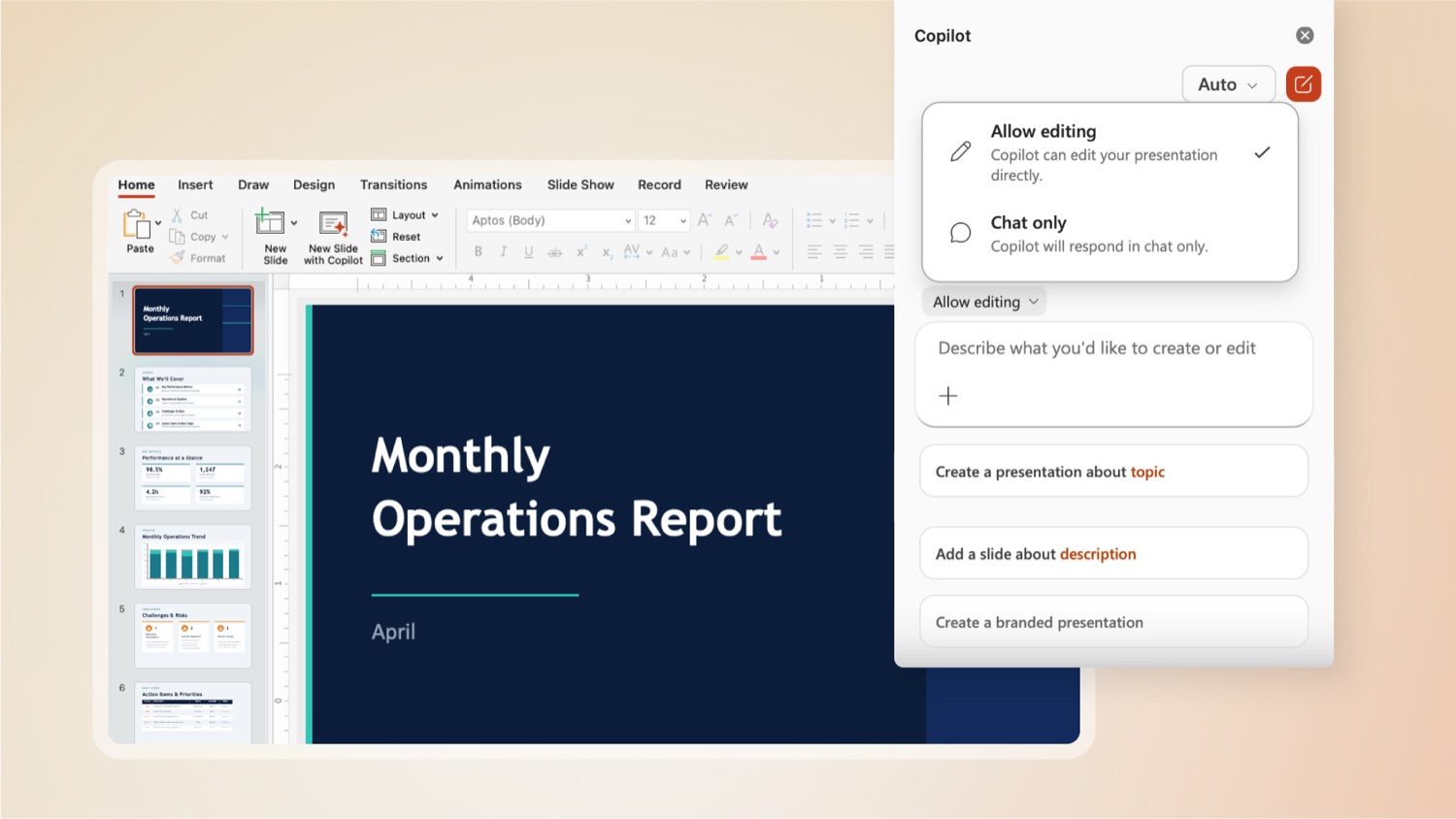
Something shifted in how Microsoft 365 Copilot works in April 2026. On 22 April, Microsoft confirmed that agentic capabilities in Word, Excel and PowerPoint were generally available. Not in preview, not rolling out to select tenants: available to any qualifying user in a standard commercial tenant.
The short version is this. Copilot no longer just suggests. It acts. It takes a task, breaks it into steps, carries each one out inside the application, and gives you the result to review. That shift matters for how you plan a rollout, how you govern access, and whether your environment is actually ready.
Here is what it does, what you need, and what to sort out before you switch it on for your team.
What changed in April 2026
Before April, Copilot in Office apps worked in one direction. You prompted it, it produced one output, you reviewed it. If you wanted the next step, you prompted again. Multi-step work required you to drive each stage by hand.
From 22 April 2026, Copilot in Word, Excel and PowerPoint can take a complex task, break it into steps, execute those steps inside the application, and present the result. It is not a separate product or a distinct mode you switch on. It is the new default behaviour of Copilot in these three apps.
The engagement numbers from Microsoft’s own preview data give an early read on whether people found it useful. Excel saw a 67% increase in engagement, a 50% increase in new users staying active and a 65% satisfaction score over the preview period. Word and PowerPoint showed similar trends. Those are Microsoft’s internal preview figures, but the pattern suggests users who tried it kept coming back to it.
What it can actually do
The most useful way to understand Agent Mode is through the specific work it handles.
What you need to use it
Three access levels are relevant, and knowing which one applies to your business saves time before you start planning a rollout.
One practical detail worth noting before you build anything: agents that retrieve content from SharePoint or OneDrive require an active M365 Copilot licence for that retrieval to work. Without it, an agent can be created and published, but when it tries to pull in business documents it fails without giving the user a clear explanation. Worth confirming before any custom agent build begins.
The one thing to fix before you switch it on
Copilot agents can only see what the user running them can already see. That sounds straightforward, but it has a direct consequence. If file permissions in your SharePoint environment are loose, an agent will surface documents that people were never meant to access. A manager running a Word agent to help draft a proposal might pull in a sensitive HR or finance document if access was never properly restricted.
Microsoft’s own guidance before any Copilot rollout is to run the SharePoint Data Access Governance reports, which show you which sites are overshared and which files have permissions broader than intended. You then use Restricted Access Control to limit specific sites to named security groups, and Restricted Content Discovery to prevent certain sites from appearing in Copilot or organisation-wide search at all.
Microsoft Purview sensitivity labels add a second layer. When a file is labelled and protected, Copilot cannot extract its content for a user who does not have the right access. That protection travels with the file, including when it is shared outside your organisation.
This is not a reason to wait indefinitely. It is a reason to run a permissions review as part of the rollout rather than after you have found a problem.
One technical point worth knowing
The Word, Excel and PowerPoint agents run on Anthropic’s Claude models, not on Microsoft’s own AI. Microsoft formalised this through a subprocessor arrangement that came into effect in January 2026, and the models operate under Microsoft’s data handling terms.
For most South African businesses this is not a practical concern, but it is worth flagging to your IT and compliance teams. The Anthropic models are specifically excluded from the EU Data Boundary commitments. If your organisation holds data under European data agreements, confirm the relevant details with your Microsoft licensing contact before enabling agents for those users.
What is still coming
Teams Agent Mode and full Outlook Agent Mode were not part of the April general availability. Both are confirmed for later in 2026. If your most important use case for agents sits in Teams or Outlook, the full capability is not there yet.
Azure AI Foundry, Microsoft’s platform for building and running custom agents at scale, now supports publishing directly into Microsoft 365 Copilot as of June 2026. Agents built by your development team in Foundry can be deployed into Teams, Copilot Chat, SharePoint or Outlook without rebuilding them from scratch. For businesses that have development capability or are planning custom automation, this is the integration to watch as it reaches full availability later this year.
How Braintree helps
Rolling out Copilot agents well means working through three things in order: confirming your current licences and whether they cover what you want to do, running a permissions review to close the data access gaps before Copilot surfaces them for you, and setting governance policies that make broader adoption manageable.
We run this as a structured review with clients, starting with where your data lives and who can see what today, then working through licence optimisation and phased rollout. Done properly it takes a few weeks. Done in the wrong order, it costs significantly more to unwind.
Talk to us about a Copilot rollout review and we will start with your current licensing and access posture, not a slide deck.
Specialists in Business Applications, Modern Workplace and Azure. Let’s grow.