
DOCUMENTATION
Process
PowerFlow Setup
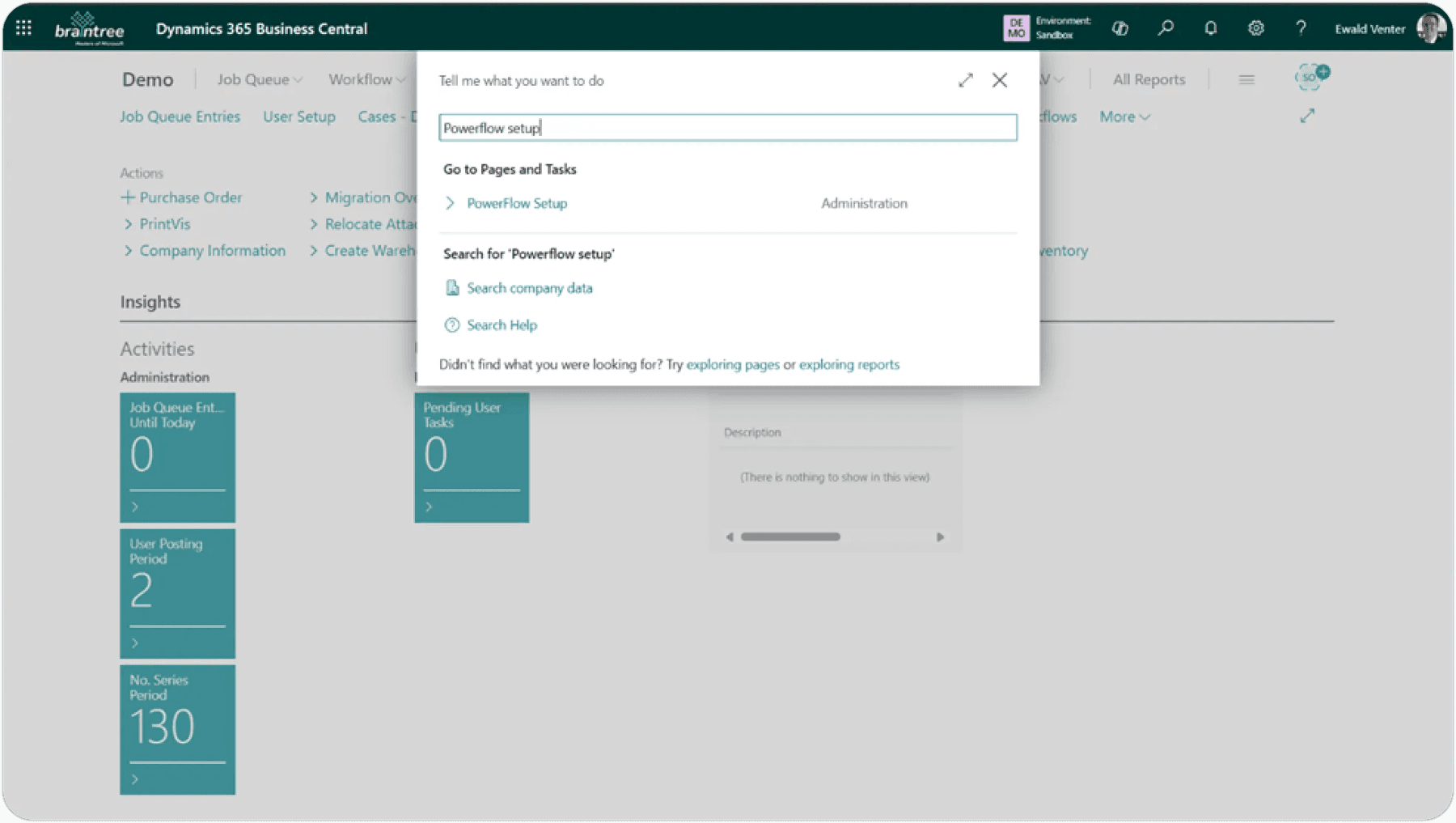
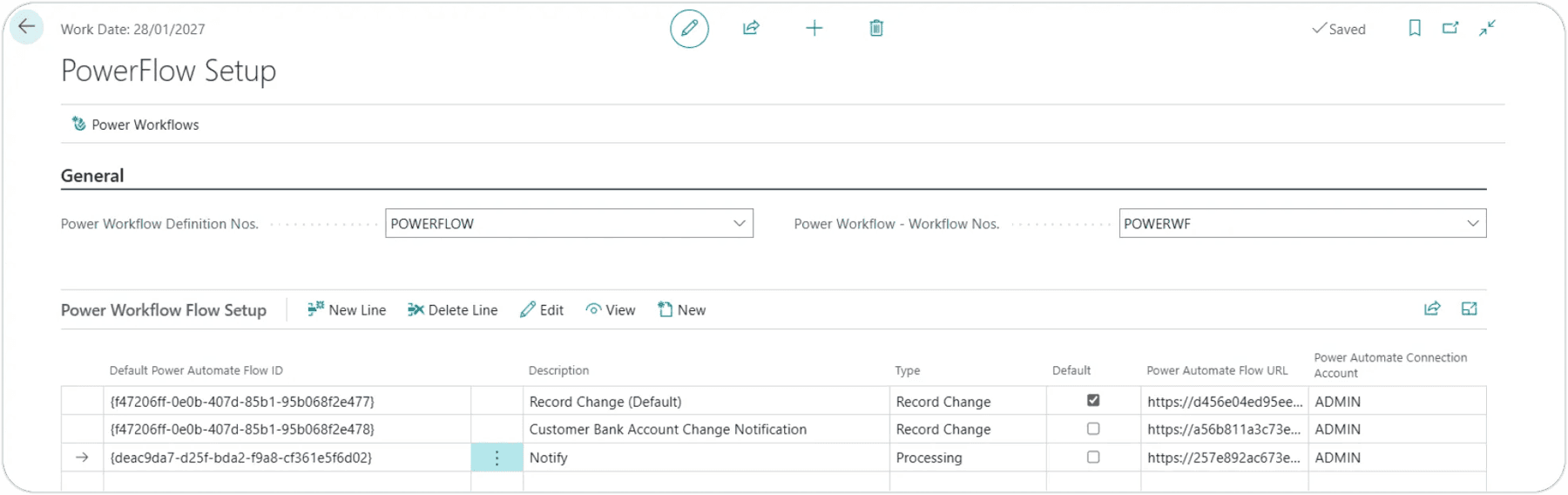
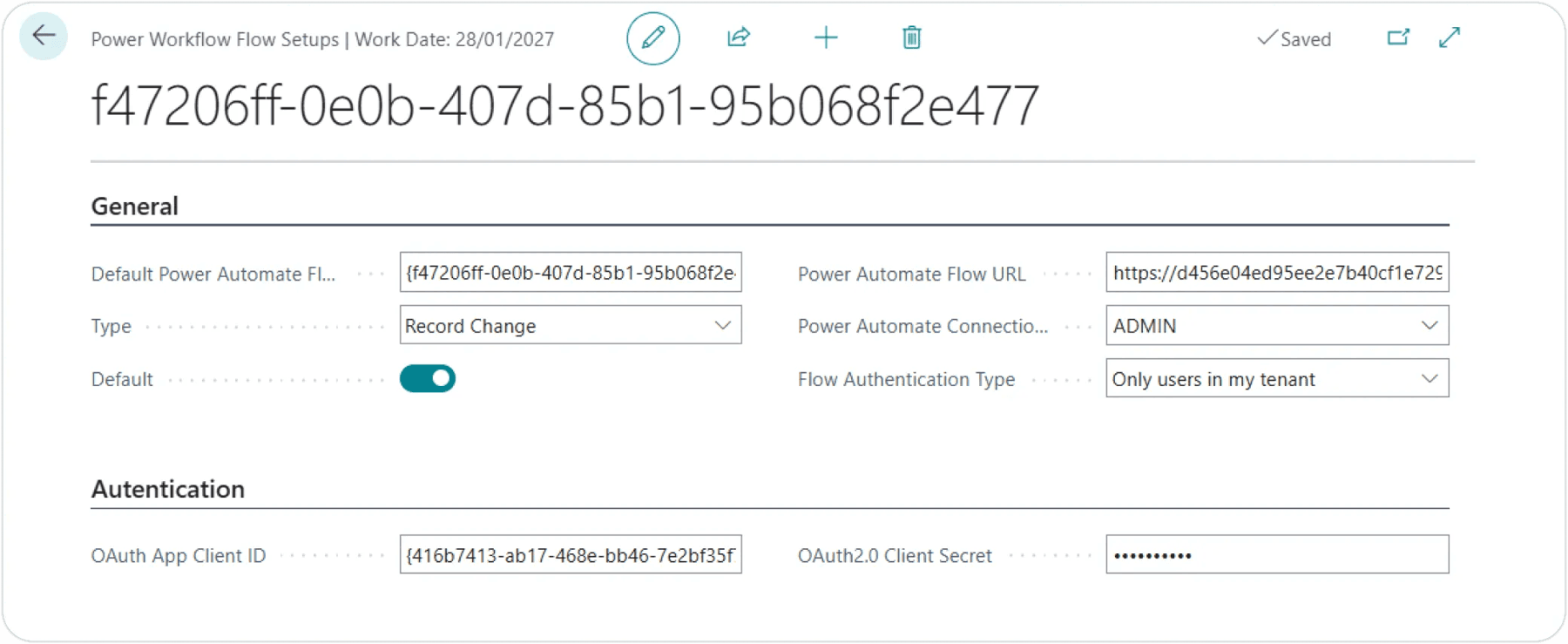
Each Type can be configured with a default PowerAutomate flow that will copy to the Power Workflow Definitions. Click Edit to modify the Authentication for the Flow Setup.

Resources
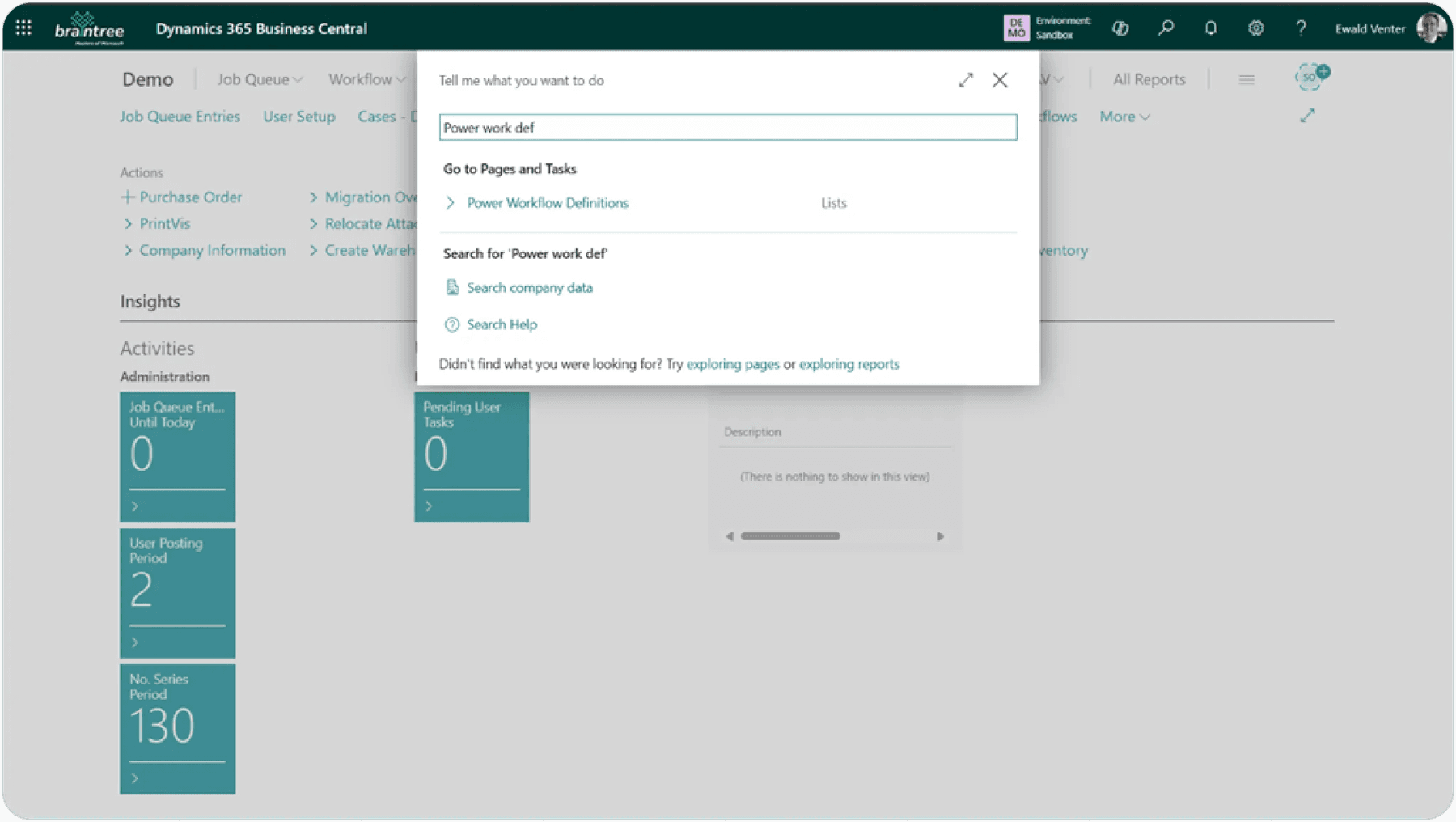
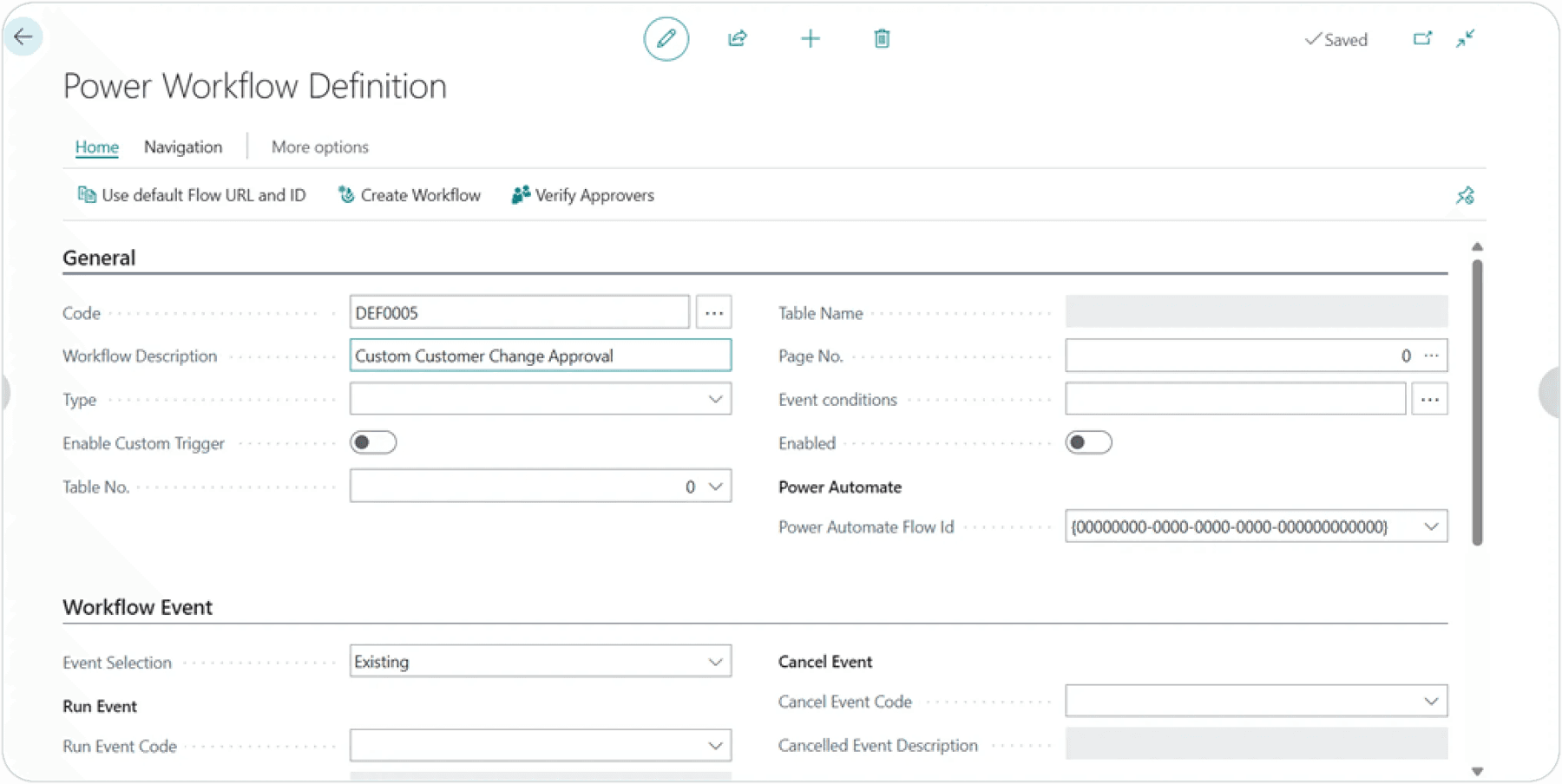
Create a new Record Change Power Workflow Definition.

Enter
Workflow Description
.
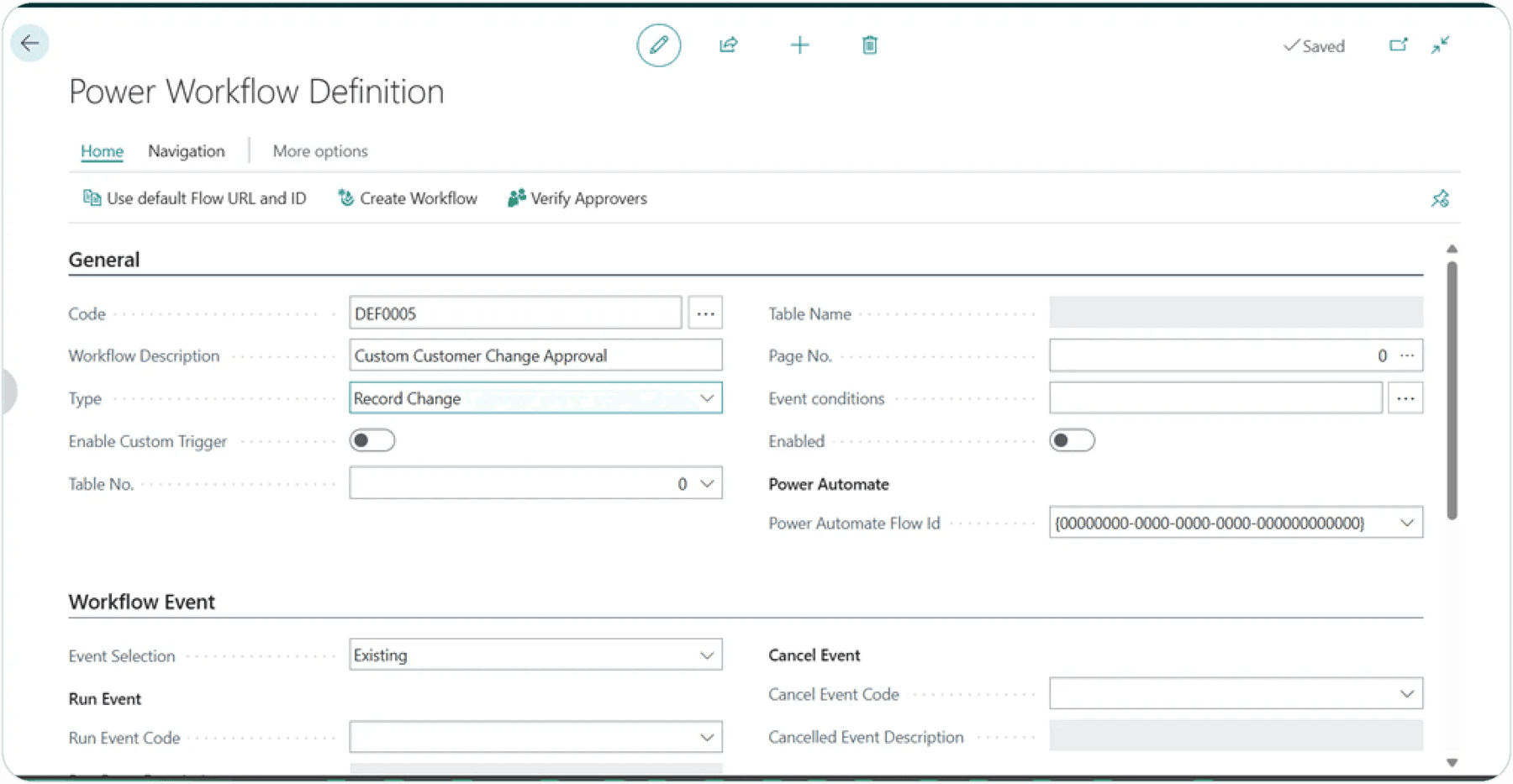
Set
Type
to Record Change.
Select Customer table and lookup Page.

Select Customer Card.

Select the
PowerAutomate
Flow Id from lookup or click the **Use default Flow URL and ID **action.

Set
Event Selection
to New.
Add
Event Description
and click in the Field Name cell under Record Change Conditions.

Select fields.


Selected fields are populated in the Record Change Conditions.

Add approvers.

You can make use of Security Groups, Mail Groups and individual Users. It will sequentially send to everyone in the group. Everyone in the group must approve. If someone in the group rejects it, it will not go to the next person in that group and or to any subsequent approvers setup in this sequence.
Enable the
Allow requestors to approve their own requests
option if requestors are in the list of approvers, and they are allowed to approve their own changes.
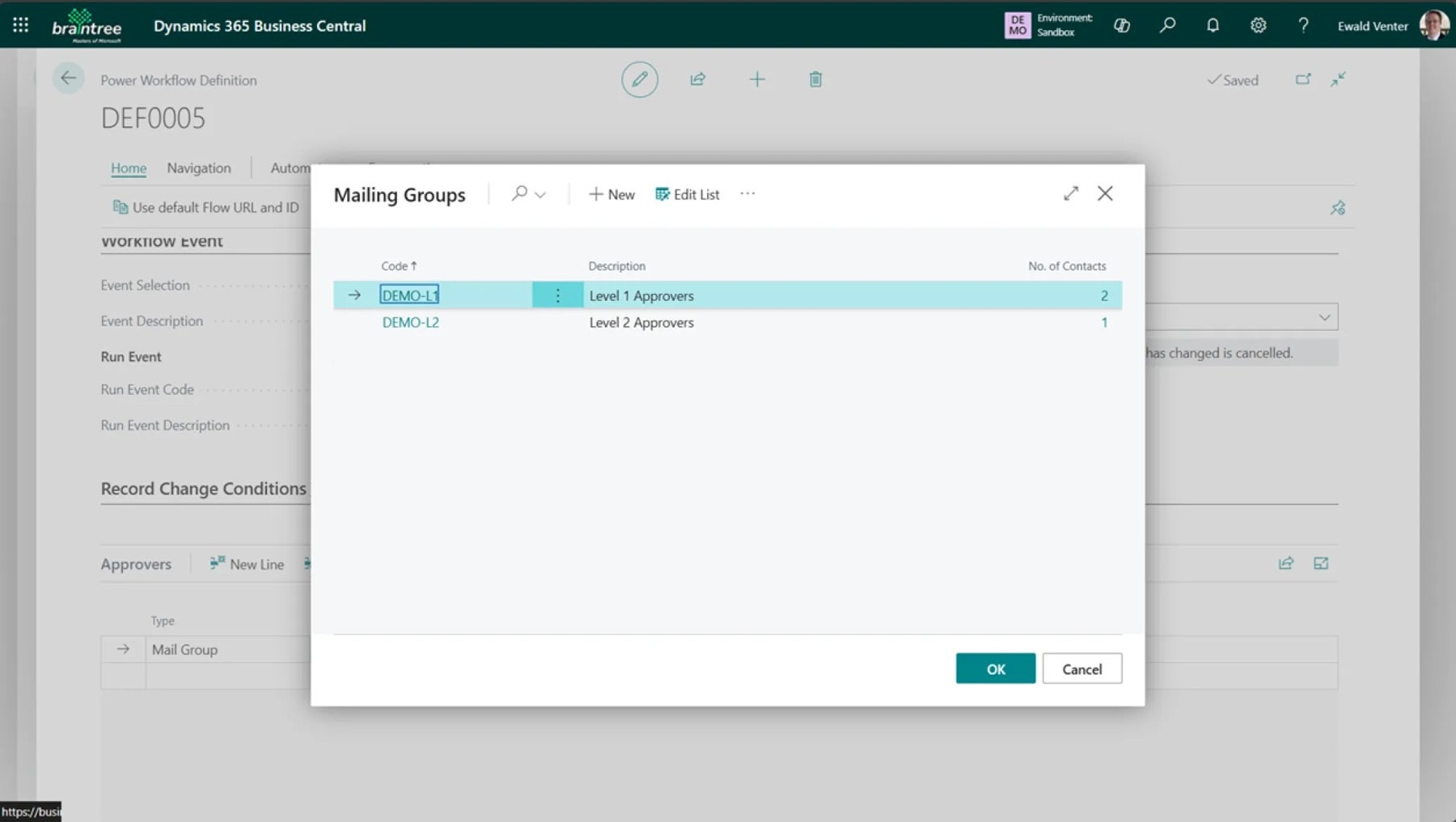
Click the Approval conditions assist edit button.

Add approver conditions.

Add conditions for when this approver will be used. The approvers on this line will only be used if the Customer Posting Group on the Customer card is FOREIGN.
Add second approver conditions, for when this approver will be used.
Need help with your environment?
Use your agreed Braintree support channel, or contact the team to confirm the right support route.
Contact Braintree
