
DOCUMENTATION
Maintenance Orders
Maintenance orders are work instructions to carry out a specific set of maintenance tasks on a fixed asset. Maintenance orders can be generated from a maintenance plan, or can be created as needed for unplanned maintenance. They can also be generated from a defect register entry.
Create a new order
Option 1:
From the Braintree Asset Maintenance role centre, click on the plus Maintenance Order action:

Option 2:
Open the Maintenance Orders list, and click on New. The Maintenance Order card will be opened.
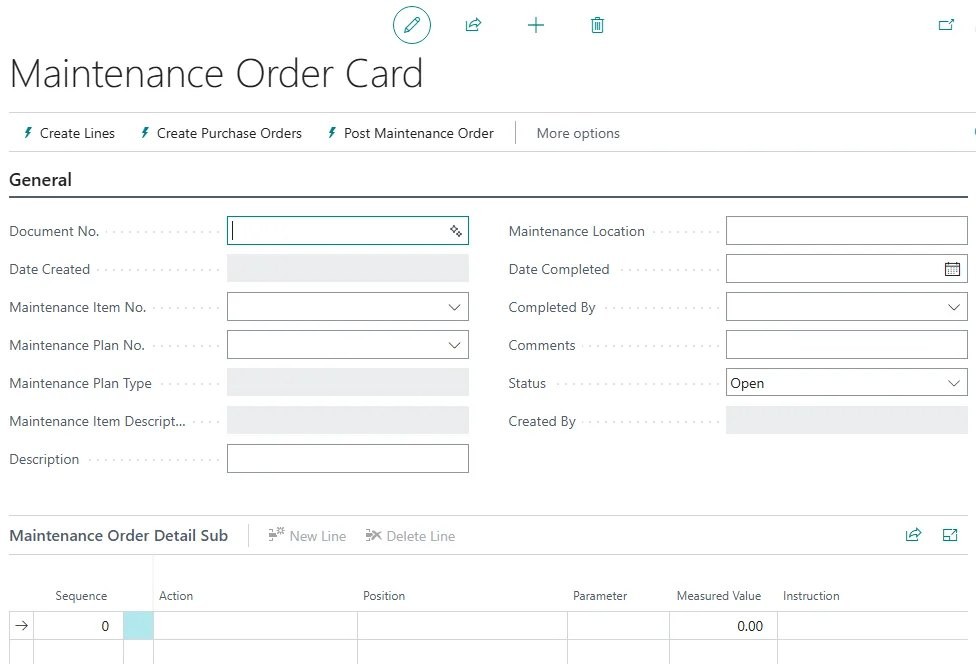
Tab past the document number. The system will assign a new number from the number series. Select the maintenance item number (asset number) from the list.
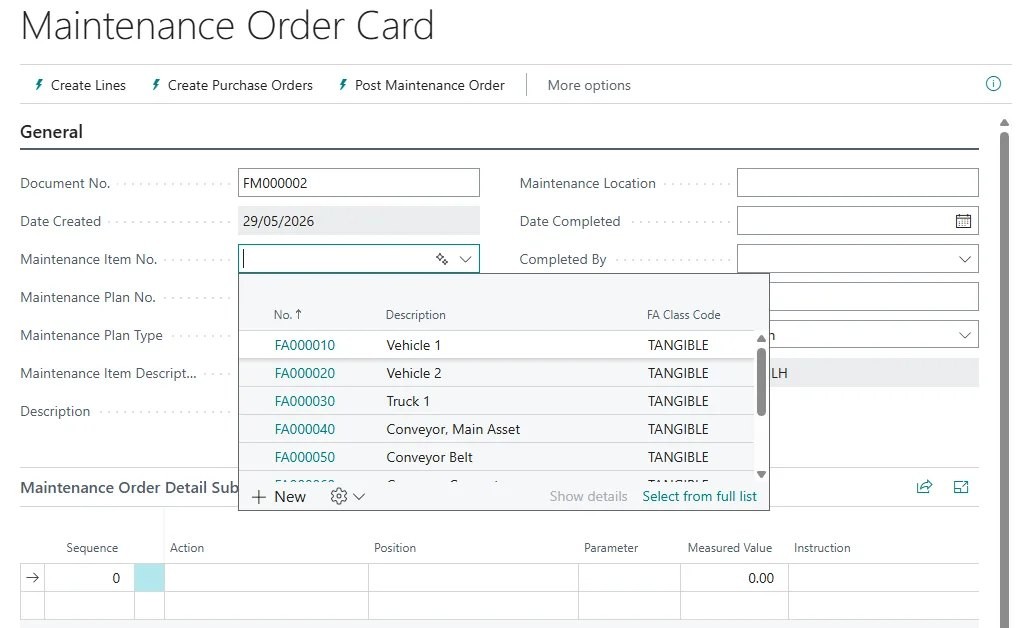
If the maintenance order is to be based on a maintenance plan, select the plan.

The description fields, maintenance type, and maintenance location will be populated.

If the order is based on a maintenance plan, click on the menu option Create Lines.
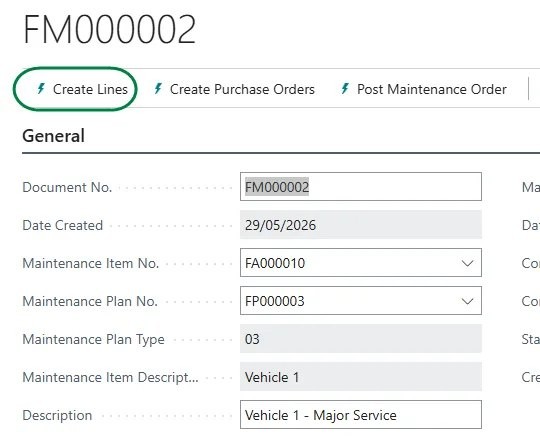
The tasks and resources will be copied from the maintenance plan to the order:
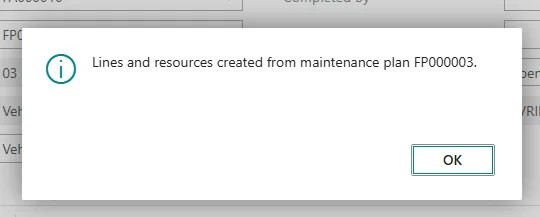
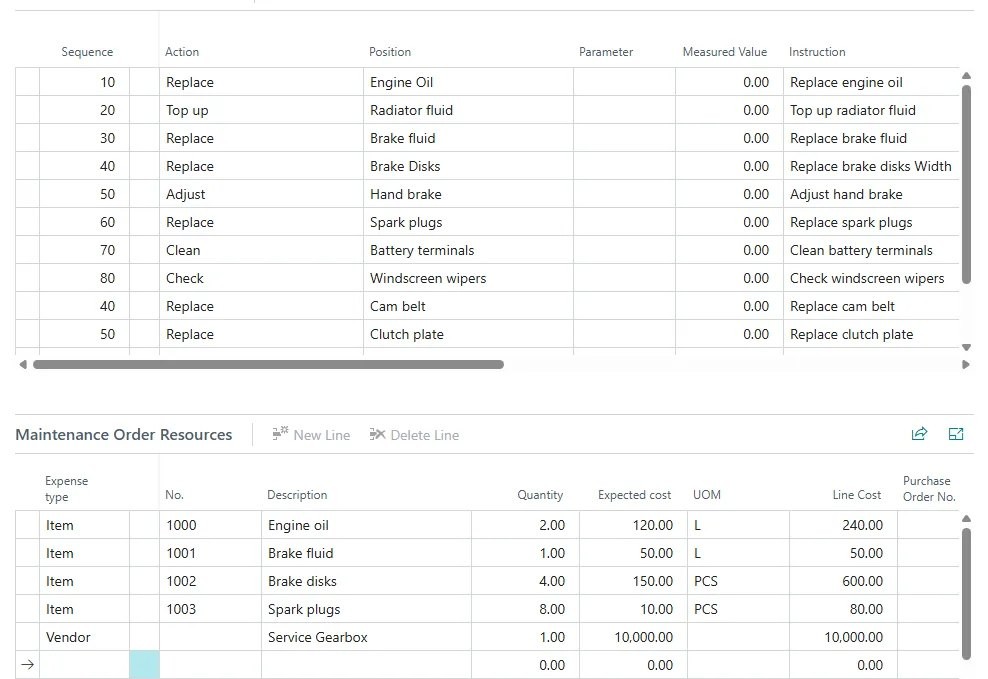
You can add, remove or amend any of the tasks or resources as required. When you have completed the order details, release the order.
Need help with your environment?
Use your agreed Braintree support channel, or contact the team to confirm the right support route.
Contact Braintree
